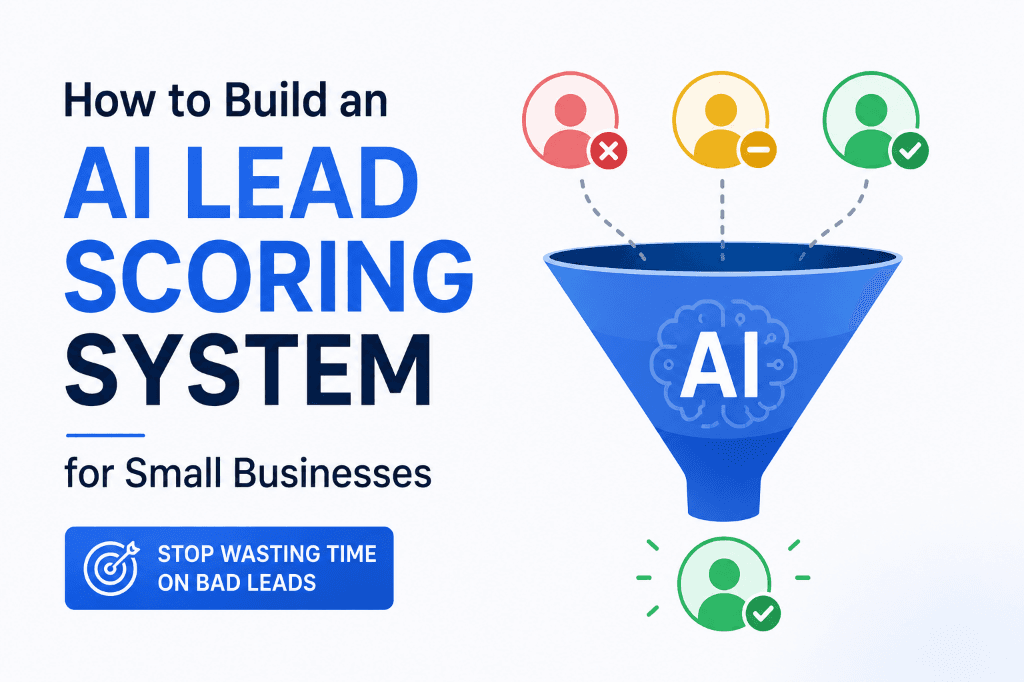
If you've ever spent an hour on a discovery call only to realise within the first five minutes that the person was never going to buy — you already understand why lead scoring exists.
For small businesses, wasted sales conversations are one of the most expensive problems nobody talks about. You're not losing money on ads or content. You're losing it on time — hours spent manually chasing, qualifying and following up with leads who were never a real opportunity.
The average small business owner spends 40–60% of their "sales time" on leads that don't convert. That's not a sales problem. That's a qualification problem.
AI lead scoring fixes this. It's a system that automatically evaluates every lead that enters your pipeline — assigning a score based on fit, intent and behaviour — so you always know which leads deserve your time and which ones can wait (or be dropped entirely).
Businesses running AI lead scoring systems consistently report cutting their time-to-qualified-conversation by 50 to 65%. Not by generating more leads. By getting smarter about which ones they actually pursue.
Here's how to build it.
Why Manual Lead Qualification Breaks Down for Small Businesses
Most small businesses qualify leads the same way: they respond to every enquiry, hop on a call and figure it out from there. This works when you have three leads a month. It falls apart the moment volume picks up.
Manual qualification has three failure modes:
- You qualify too slowly. Leads go cold while you're busy with existing clients. A prospect who was ready to buy on Monday is talking to a competitor by Friday.
- You qualify based on gut feel. Without a structured system, "qualification" is just a hunch. Some great leads get ignored because they seemed small. Some terrible leads get hours of attention because they sounded enthusiastic.
- You have no triage system. When 20 leads come in the same week, you don't have a way to know which five deserve your attention first.
AI lead scoring solves all three. It evaluates every lead instantly, consistently and using the same criteria every time — freeing you to focus only where it matters.
What Is AI Lead Scoring?
AI lead scoring is an automated system that assigns a numerical score (typically 1–100) to every inbound lead based on a set of pre-defined signals. The higher the score, the more likely the lead is to convert.
These signals fall into two categories:
- Fit signals: How closely does this lead match your ideal customer profile? (Industry, company size, budget, location, job title)
- Intent signals: How ready is this lead to buy? (Pages visited, form filled, email opened, reply speed, specific questions asked)
A traditional lead scoring system requires a CRM like Salesforce or HubSpot with complex setup. An AI lead scoring system replaces that complexity with a lightweight, prompt-based logic layer that any small business can run without enterprise software.
Step-by-Step: Building Your AI Lead Scoring System
Step 1 — Define Your Ideal Customer Profile (ICP)
Before you can score leads, you need to be clear about what a "good lead" looks like. Write out your Ideal Customer Profile in plain language. For a small business agency like AgentMinds, this might look like:
- Business type: Small business, startup, or agency
- Team size: 1–20 people
- Monthly revenue: $10,000–$500,000
- Pain point: Spending too much time on repetitive marketing tasks
- Budget signal: Willing to invest $500–$5,000/month in marketing systems
- Decision-maker: The owner or head of marketing (not an assistant making enquiries on someone else's behalf)
Every lead gets compared against these criteria. The closer the match, the higher the base score.
Step 2 — Map Your Scoring Signals
Identify the specific data points you can collect for every lead. These become your scoring inputs. You don't need dozens of signals — five to eight strong ones are enough.
A practical scoring matrix for a small business:
| Signal | Points |
|---|---|
| Enquiry from decision-maker (owner/director) | +20 |
| Mentioned specific budget or investment range | +20 |
| Found you through organic search or referral | +15 |
| Visited pricing or services page before enquiring | +15 |
| Answered intake form with specific problem details | +10 |
| Replied to automated follow-up within 24 hours | +10 |
| Enquiry from a generic "info@" email address | −10 |
| No budget mentioned or budget is below threshold | −10 |
| Enquiry says "just looking" or asks for a quote only | −15 |
Build your own version of this matrix based on what you already know about your best (and worst) past clients.
Step 3 — Build an AI-Powered Lead Intake Form
Your intake form is where scoring data is collected. Most businesses use a basic contact form that captures name, email and "how can we help?" — and that gives you almost nothing to score against.
Redesign your intake form to capture scoring signals directly. Add four to six questions that give you the information you need:
- "What's your biggest marketing challenge right now?" (reveals pain specificity)
- "How many people are on your team?" (ICP fit)
- "What's your monthly budget for this?" (budget signal)
- "How soon are you looking to get started?" (urgency signal)
- "How did you hear about us?" (source signal)
Keep it short. Four to six questions is the maximum before drop-off increases.
Step 4 — Create Your AI Scoring Prompt
This is the core of the system. Using Claude, ChatGPT, or any AI tool, build a prompt that takes the intake form data and outputs a lead score plus a recommended next action.
A working AI scoring prompt looks like this:
You are a lead qualification assistant for [Your Business Name]. Evaluate the following inbound lead and assign a score from 0 to 100 based on our Ideal Customer Profile and intent signals.
ICP criteria: [paste your ICP definition]
Scoring matrix: [paste your scoring signals and point values]
Lead information:
[paste form submission data]
Output:
1. Lead Score (0–100)
2. Score Breakdown (which signals added or subtracted points)
3. Recommended Action: Hot (contact within 1 hour) / Warm (contact within 24 hours) / Cold (add to nurture sequence only)
4. One-sentence summary of why this lead is or isn't a strong fit
Run this prompt every time a new lead submits your intake form. The AI returns a score and a clear next action in under 30 seconds.
Step 5 — Automate the Trigger
Manual prompt runs work when you're getting a handful of leads a week. To make this truly hands-off, connect the form to an automation:
- Lead submits intake form (Typeform, Tally, or Google Forms)
- Zapier or Make captures the submission and formats it as a text block
- AI prompt runs automatically via an API call to Claude or OpenAI
- Score and action are logged to a Google Sheet, Notion database, or CRM
- You receive a notification with the score and recommended action
Hot leads (score 70+) can trigger an immediate notification to you or a team member. Warm leads (40–69) get a scheduled 24-hour follow-up. Cold leads (below 40) get added to a nurture email sequence automatically.
This entire automation runs without you touching it. A lead submits a form at 11pm on a Saturday and by Sunday morning, they're already categorised, scored and either on a nurture sequence or in your calendar.
Step 6 — Add Behavioural Scoring Over Time
The intake form gives you a starting score. Behaviour after the initial contact refines it. Build in secondary scoring triggers:
- Opened your follow-up email within 2 hours: +10 points
- Clicked a link in your email: +10 points
- Visited your website after first contact: +15 points
- Responded to your follow-up with specific questions: +20 points
- Went silent for 7+ days after initial enquiry: −20 points
These secondary signals move leads between tiers automatically, so your "warm" list stays current without manual review.
Real Example: Before and After AI Lead Scoring
Before (manual qualification):
A small marketing agency receives 30 leads in a month. They respond to all 30. They book discovery calls with 18 of them. Of those 18 calls, 11 are completely unqualified — wrong budget, wrong size, just shopping around. Each wasted call costs 60–90 minutes including prep and follow-up. That's 11–16 hours lost to conversations that were never going to close.
After (AI lead scoring):
Same 30 leads. The AI scoring system evaluates all 30 in seconds. It identifies 12 as Hot or Warm leads based on ICP fit and intent signals. The remaining 18 go directly into a nurture email sequence. The agency books calls only with the 12 qualified leads. Conversion rate goes up. Wasted call time drops by over 60%.
Tools You Need for This System
You don't need a $50,000 CRM. A functional AI lead scoring setup for a small business uses:
- Tally or Typeform — intake form with conditional logic (free–$29/month)
- Zapier or Make — automation layer connecting form to AI to CRM ($20–$50/month)
- Claude or ChatGPT API — AI scoring engine (~$10–$30/month depending on volume)
- Google Sheets or Notion — lead tracking dashboard (free)
- Your existing email tool — for automated nurture sequences
Total cost: under $100/month for a system that replaces hours of manual qualification work every week.
Frequently Asked Questions
What is AI lead scoring for small businesses?
AI lead scoring is an automated system that evaluates every inbound lead based on how closely they match your ideal customer and how ready they are to buy. It assigns a score to each lead so you can prioritise your sales time and stop wasting hours on unqualified prospects.
Do I need a CRM to use AI lead scoring?
No. Small businesses can run an effective AI lead scoring system using a simple intake form, Zapier or Make for automation and Google Sheets or Notion to track scores. You don't need HubSpot, Salesforce, or any enterprise CRM.
How accurate is AI at qualifying leads?
When built on a well-defined ICP and a clear scoring matrix, AI lead scoring typically matches or outperforms manual human qualification — and it's consistent. It applies the same criteria every time, with no gut-feel bias or energy-of-the-day variation.
How long does it take to set up this system?
A basic version of this system — custom intake form, AI scoring prompt and a Zapier trigger — can be set up in a focused afternoon (3–5 hours). Once it's running, it operates automatically.
What happens to the leads that score low?
Low-scoring leads don't get ignored — they get automatically added to a nurture email sequence. Many "cold" leads become buyers 30, 60, or 90 days later. The AI scoring system ensures they stay in your ecosystem without requiring any manual effort from you.
Want to Build This System Faster?
Check out our pre-built tools and workflows to get your system up and running in days, not weeks.
Explore Workflows