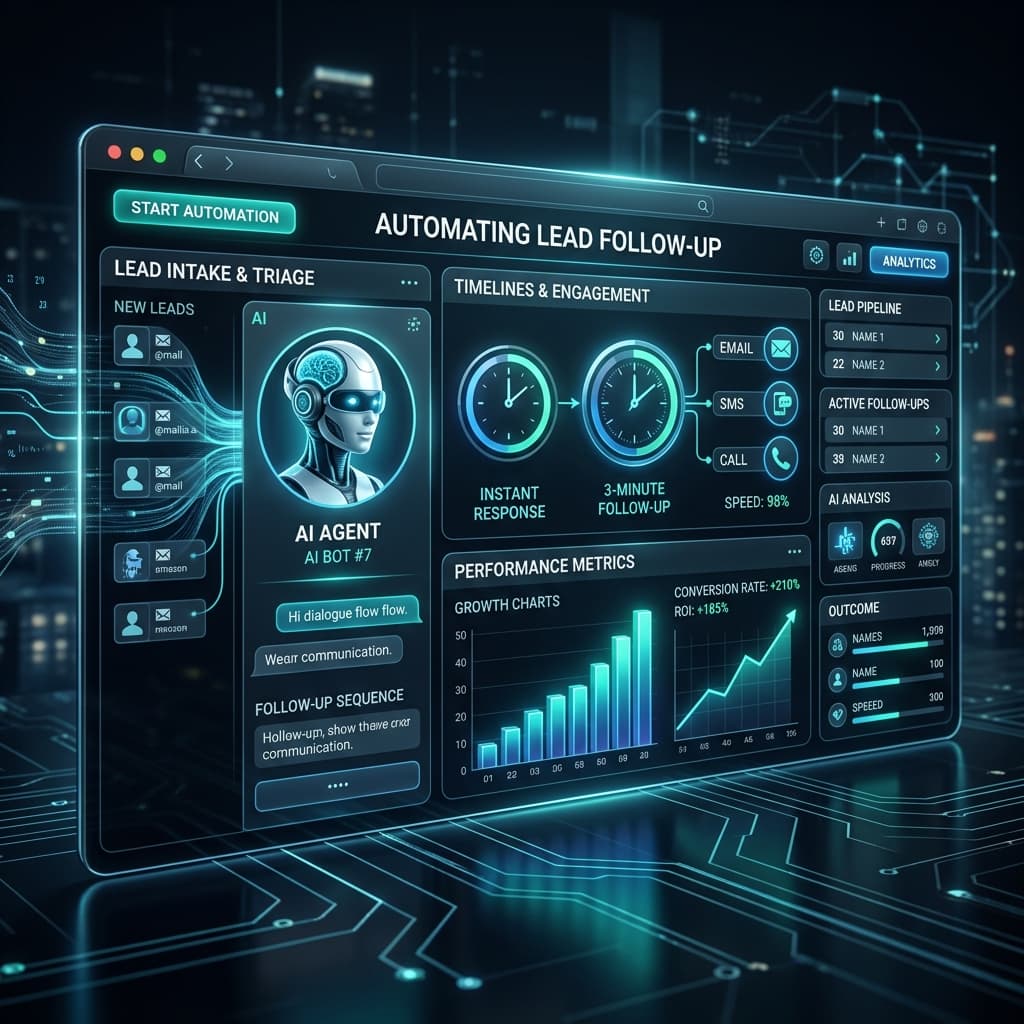
The Follow-Up Problem Nobody Talks About
You did the hard part. You ran the ad, posted the content, or got the referral. A lead came in.
Then life happened. You were in a meeting, finishing a client project, or just missed the notification. By the time you followed up — two days later — they'd already moved on.
That is not a sales problem. It is a systems problem.
Research consistently shows that leads contacted within the first 5 minutes are dramatically more likely to convert than those reached hours or days later. But for most small businesses, agencies and solo founders, responding in 5 minutes is simply not realistic — unless a system is doing it for you.
This is exactly what AI lead follow-up automation solves. Not just faster responses, but a consistent, intelligent follow-up sequence that runs without you — saving 50–60% of the time you would otherwise spend on manual outreach and chasing.
This guide breaks down a 4-step AI follow-up system you can build starting today.
Why Manual Lead Follow-Up Fails at Scale
Most small business owners and marketers follow up manually. That means:
- Responding to form fills one by one
- Writing the same introductory emails from scratch (or copy-pasting and forgetting to personalize)
- Losing track of who has been contacted and who hasn't
- Following up once and giving up when there's no immediate reply
- Spending 3–5 hours a week on tasks that produce no new thinking or value
The result is a leaky funnel. Leads come in, but a large percentage evaporate because follow-up was inconsistent, too slow, or never happened at all.
An AI-powered system eliminates every one of these failure points.
The 4-Step AI Lead Follow-Up System
Step 1 — Instant Response Trigger
The moment a lead submits a form, books a call, or sends an inquiry, your AI system sends a personalized response automatically — within 60 seconds, not 60 hours.
This first message should acknowledge their specific inquiry, set a clear expectation for next steps and provide one piece of immediate value (a relevant resource, a quick answer, or a booking link).
Tools:
Make.com or Zapier + Typeform/Tally + Instantly or Mailchimp. An AI layer (Claude or GPT via API) personalizes the message based on form data.
Time saved: ~30–45 minutes per day
Step 2 — Multi-Touch Follow-Up Sequence
A real follow-up sequence is 4–6 touches spread across 7–10 days, each one adding value.
Day 0
Instant acknowledgment + one quick win
Day 1
A relevant case study or resource
Day 3
A direct, low-friction question
Day 5
Social proof or a short outcome story
Day 7
A soft close with a clear CTA
You write it once. AI personalizes it. The system handles delivery and timing.
Tools:
Instantly.ai, Apollo.io, or HubSpot with sequences enabled.
Step 3 — AI Lead Scoring and Routing
Not all leads deserve the same intensity. An AI layer scores leads based on behavior — email opens, link clicks, pricing page visits, replies. High-score leads get flagged for personal outreach. Low-score leads stay in the automated sequence.
Your attention only goes to people most likely to convert.
Tools:
HubSpot lead scoring, Close.io, or a custom Make.com workflow.
Time saved: Eliminates 60–70% of manual triage
Step 4 — Re-Engagement Loop
Most leads that don't convert immediately aren't lost — they're just not ready yet. A 30/60/90-day re-engagement loop sends one relevant message per month to cold leads, requiring zero manual effort once set up.
Over time this becomes one of the highest-ROI activities in your funnel because you're harvesting value from leads you already paid to acquire.
A Real-World Example
A small digital agency was spending ~8 hours per week on lead follow-up. After implementing the 4-step system using Make.com, Instantly.ai and HubSpot lead scoring, their weekly follow-up time dropped to under 3 hours — a 62% reduction — and their lead-to-call booking rate increased by 35% because response times went from 18 hours to under 2 minutes.
The system didn't replace their personal touch. It handled everything until a lead was warm enough to warrant it.
Key Tools Summary
| Step | Purpose | Recommended Tools |
|---|---|---|
| Instant Response | Trigger first message in < 60 seconds | Make.com + Tally/Typeform + Instantly |
| Follow-Up Sequence | 4–6 touch automated nurture | Instantly.ai, Apollo.io, HubSpot |
| Lead Scoring | Prioritize warm leads | HubSpot, Close.io, Make.com |
| Re-Engagement Loop | Revive cold leads on autopilot | Any email platform with automation rules |
FAQs
What does "automate lead follow-up with AI" actually mean?
Using software and AI tools to automatically send personalized follow-up messages to new leads — without you writing or sending each one manually.
How long does it take to set up?
A basic 4-step system takes 3–5 hours. A system with lead scoring and CRM integration typically takes one to two days.
Can it sound personal?
Yes — by pulling in form data (name, company, their stated problem) to personalize each message with dynamic fields.
Will it annoy leads?
Not if each touch adds value rather than just asking for a reply.
What if a lead replies mid-sequence?
The sequence pauses automatically. Standard feature in Instantly and HubSpot.
The Bottom Line
Every day you rely on manual follow-up, you're leaving leads — and revenue — on the table. The four steps are clear: instant response, multi-touch sequence, lead scoring and re-engagement loop. Together they cover the full lifecycle of a lead without requiring your constant attention.
Ready to build your AI Lead Follow-Up system?
Free. No fluff. Just the system.
See AgentMinds in Action
Want the full automation built for your business? Book your free Automation Audit at AgentMinds.ai.