AI Marketing Personalization for Small Business: How to Do It Without an Enterprise Budget
84% of marketers now use AI for real-time personalization — but every guide assumes an enterprise MarTech stack. Here's how to personalize email, social and outreach using Claude, a basic CRM and one automation layer.
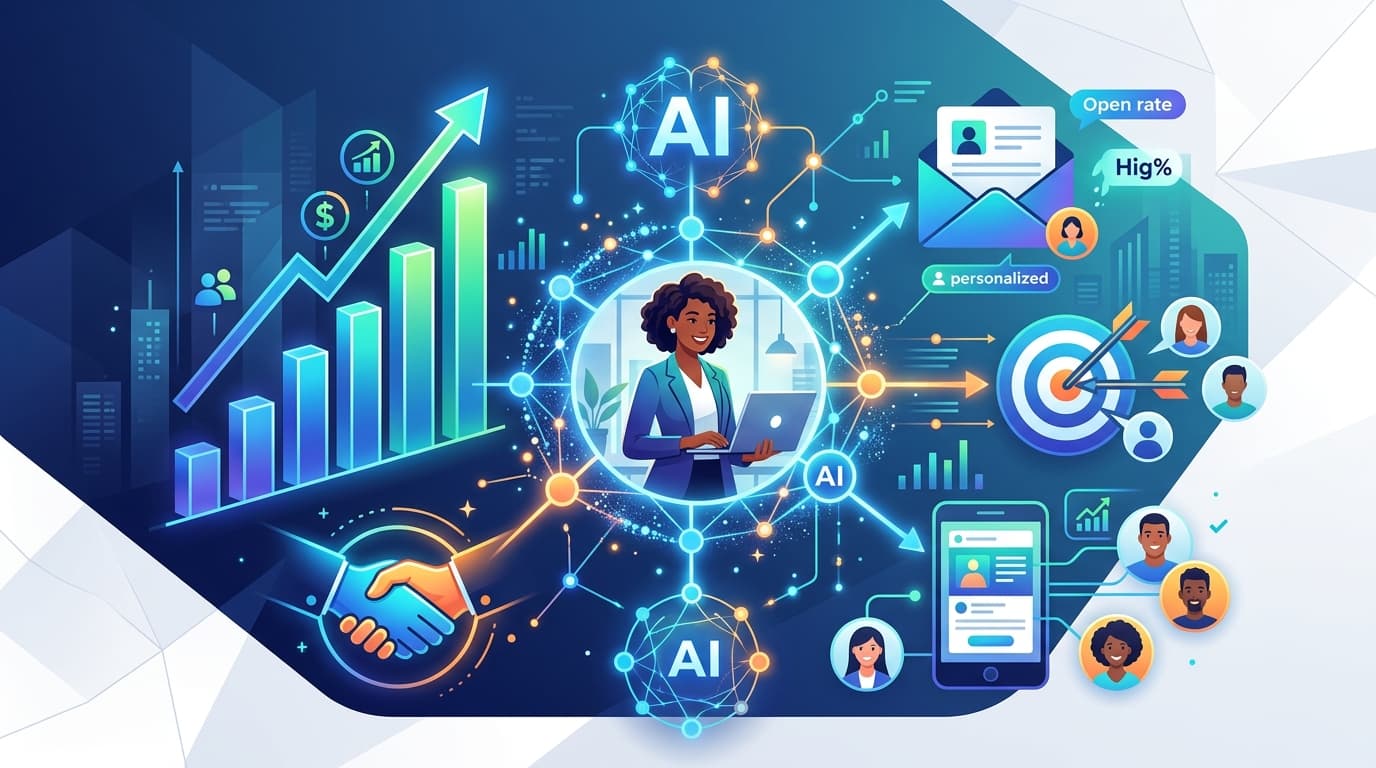
AI marketing personalization is no longer a capability reserved for companies with dedicated MarTech teams. In 2026, a small business with Claude, a basic CRM (or even just a spreadsheet) and one automation layer can achieve behavioral-trigger email campaigns, segment-specific social outreach and dynamically personalized follow-up sequences. These are the exact same capabilities that cost enterprise teams six-figure platform investments just two years ago.
This guide covers what AI personalization actually means for small businesses, the three types any founder can implement today and a step-by-step workflow that works without HubSpot, Marketo, or a CRM admin.
Why AI Personalization in 2026 Is Different From What You Think It Is
Most small business owners hear "AI personalization" and picture something they can't afford or can't operate: dynamic website experiences managed by a data scientist, email sequences driven by real-time purchase intent models, or ad creatives that change based on CRM fields they don't have.
That's the enterprise version. It's not the only version.
The practical definition of AI personalization for small businesses: Using AI to automatically tailor the message a contact receives based on information you already have about them — their industry, their role, their recent behavior, or where they are in their relationship with you.
This does not require a developer. It does not require a $2,000/month email platform. It simply requires three things:
- A list of contacts with at least one useful data point per contact.
- A way to trigger different content based on that data point.
- An AI tool (like Claude) that can generate the personalized version of a message at scale.
84% of marketers now use AI for real-time personalization (Salesforce State of Marketing 2026). The ones doing it at a small-business level are using a fraction of the infrastructure the stat implies.
The 3 Types of Personalization a Small Business Can Actually Implement
Not all personalization is created equal. For a small business, the starting framework is to pick one type, implement it well and expand from there.
Type 1 — Field-Based Personalization (Entry Level)
Using a data point you already have to customize a message. The data point can be as simple as: company name, job title, industry, location, how they found you, or the service they expressed interest in.
Example: You have 150 leads from the last quarter. Forty are consultants, sixty are agency owners and fifty are solopreneurs. Instead of one newsletter, you send three versions: each opens with a sentence specific to that reader's role, references challenges specific to that segment and includes a Call-to-Action (CTA) tailored to what they're likely to need next.
How to build it: Claude generates 3 versions of the email when you give it the template and the three segment descriptions. Make.com or Zapier routes each contact to the right version based on a field in your spreadsheet or CRM. Total build time: one afternoon.
Type 2 — Behavioral Trigger Personalization (Intermediate)
Sending a message — or a different version of a message — based on what a contact did (or didn't do). Opened your last email but didn't click? Send a follow-up with a different angle. Downloaded a lead magnet? Send a sequence specific to that topic. Visited your pricing page? Start a different follow-up flow.
Behavioral triggers are where personalization gets genuinely useful, because the trigger is based on what the contact actually cares about — not just who they are. This information is usually available in any email platform (Mailchimp, ConvertKit, ActiveCampaign) through their native tracking.
How to build it: Your email platform fires a webhook (a notification) to Make.com when a specific behavior occurs. Make.com passes the contact's data to Claude with a prompt: "This contact just [did X]. They are a [role] in [industry]. Write a follow-up email that acknowledges this action and moves them toward [next step]." Claude generates the email, Make.com sends it or deposits it in your draft folder for review.
Type 3 — Intent-Signal Personalization (Advanced)
Personalizing based on inferred intent rather than explicit behavior. The most common small-business version: using AI to research a prospect before outreach, then personalizing the message based on what you find.
A research agent (Claude with web search capability, running via Make.com or Relay.app) looks up the prospect's company, identifies a recent development or challenge and generates a personalized opening line or first paragraph. The rest of the email follows a proven template. The result: personalized outreach without spending 20 minutes researching each prospect manually.
The Small Business Personalization Stack (No Enterprise Required)
- 1. Your Contact Data Layer: This can be a spreadsheet. You need: Name, Company, Role, How they found you, What they expressed interest in and any behavioral data your email platform captures. That's enough for Types 1 and 2 personalization immediately. (If you have a CRM like HubSpot's free tier, Notion, or Airtable, you have more structure — but it's not required to start.)
- 2. Claude (The AI Generation Layer): Claude generates personalized versions of messages based on the data point(s) you feed it. A well-structured prompt + segment data = personalized email at scale. Claude's large context window means you can feed it your full segment description, brand voice guide and email template in a single prompt and get a clean, on-brand result every time.
- 3. An Automation Layer (Make.com or Zapier): This is what connects your contact data to Claude and routes the personalized output to the right place. Make.com is more powerful; Zapier is easier to start with. Both connect natively to email platforms, CRMs and Google Sheets.
- 4. A Review Checkpoint: Before any personalized message reaches a contact, a human sees it. For field-based personalization, you can batch-review (scan 20 emails in 10 minutes). For behavioral triggers, a review queue in your email draft folder or a Slack channel works well. The checkpoint doesn't slow you down significantly — it catches the errors that would otherwise damage a client relationship.
How to Personalize Email with AI: The Behavioral Trigger Workflow
Here is a complete, buildable behavioral trigger workflow for a small business using Make.com + Claude + ConvertKit (or any email platform that supports webhooks):
Trigger: Contact opens your email but doesn't click any links within 48 hours.
- Step 1: Make.com receives the webhook from your email platform when the no-click condition is met. The webhook includes the contact's email, name, company and the original email they opened.
- Step 2: Make.com fetches the contact's data from your CRM or spreadsheet (company, role, what they signed up for, when they joined your list).
- Step 3: Make.com calls Claude with a structured prompt: Contact: [Name], [Role] at [Company]. They signed up for: [Lead magnet / source]. They opened our last email (subject: [subject]) but didn't click. Write a short follow-up (150–200 words) that: Acknowledges they saw our last email without calling it out directly, offers a different angle on [topic] that might resonate more and ends with a single specific CTA relevant to a [Role] at [Company size]. Use our brand voice...
- Step 4: Claude generates the follow-up. Make.com routes it to your email platform's draft folder or to a Slack channel for review.
- Step 5: Human review (2 minutes). You scan the draft, make any edits, approve.
- Step 6: Email sends. Logged automatically.
Time Saved: Human time per email is 2–3 minutes for review. Without the system, it would take 10–15 minutes to research the contact and write a personalized follow-up from scratch.
How to Personalize Social Outreach with AI
The most practical social personalization play for small businesses in 2026 is LinkedIn outreach. The pattern is the same as the intent-signal personalization described above:
- Research agent (Claude + web search): Given a LinkedIn profile URL or company name, it generates a 100-word brief on the prospect — recent activity, company news, likely pain points, role context.
- Writing agent (Claude): Takes the brief and generates a personalized connection request or DM — referencing something specific about the prospect's situation, not a generic opener.
- Human checkpoint: Review queue in Notion or a Google Sheet where you approve or edit each message before it sends.
Result: Personalized outreach at 5–8× the speed of manual research + writing. Quality that feels one-to-one because it's actually based on the prospect's real situation.
Common Mistakes Small Businesses Make with AI Personalization
- Personalizing with the wrong data point: First name and company name alone are not personalization — they're mail merge. The data point that drives behavior is the one that reflects what the contact actually cares about.
- Removing the review checkpoint too early: The first 30–50 runs of any AI personalization workflow will include errors. Keep the checkpoint in place until you've seen enough outputs to trust the system.
- Trying to personalize everything at once: Pick one workflow, one trigger, one segment. Build it well. Measure the response rate improvement. Then expand.
- Using generic prompts: "Write a personalized email for [name]" produces generic outputs. The more specific your prompt, the more useful the output.
- Not tracking the performance difference: Set up a simple A/B test. Send your standard email to half your list, the personalized version to the other half. Measure open rate, click rate and reply rate.
Real Example: From 200 Contacts to a Personalized Sequence in One Afternoon
A solo marketing consultant had a list of 200 contacts — a mix of founders, agency owners and in-house marketers — that had gone cold over six months. She wanted to re-engage them but didn't have time to write 200 personalized emails.
What she built in one afternoon:
- Segmented the 200 contacts into three groups by role using a spreadsheet formula.
- Added one additional data point for each group: what they'd originally signed up for.
- Wrote a base re-engagement email template for each of the three groups (30 minutes total).
- Fed each template + segment description to Claude with specific instructions to vary the opening line and adjust the CTA.
- Claude produced three clean, distinct versions. She reviewed each (15 minutes total), made minor edits and uploaded them to ConvertKit as separate segments.
Result: 34% open rate on the re-engagement sequence (up from 19% on her standard newsletter). 11 replies from people who wanted to book a call. Total time: approximately 3 hours, including setup and review.
Your 30-Day Personalization Implementation Plan
FAQ
A: Using AI to automatically tailor messages to individual contacts based on their role, behavior, or intent signals. The small-business version uses Claude, a basic CRM or spreadsheet and a no-code automation tool.
A: No. Field-based personalization works with a spreadsheet + Claude + Zapier. Behavioral trigger personalization works with any email platform that supports webhooks + Make.com + Claude.
A: Segmentation divides your list into groups and sends the same message to each group. Personalization tailors the message for the individual using their specific data, behavior, or context.
A: Use Claude to generate personalized versions of a template email based on contact data. Use Make.com or Zapier to connect your contact data to Claude and route the output to your email platform. No code required.
Want to set up your own personalization stack?
AgentMinds builds practical AI automation systems for small businesses, consultants and founders. See how we can build your personalization workflow for you.
Book a Discovery Call